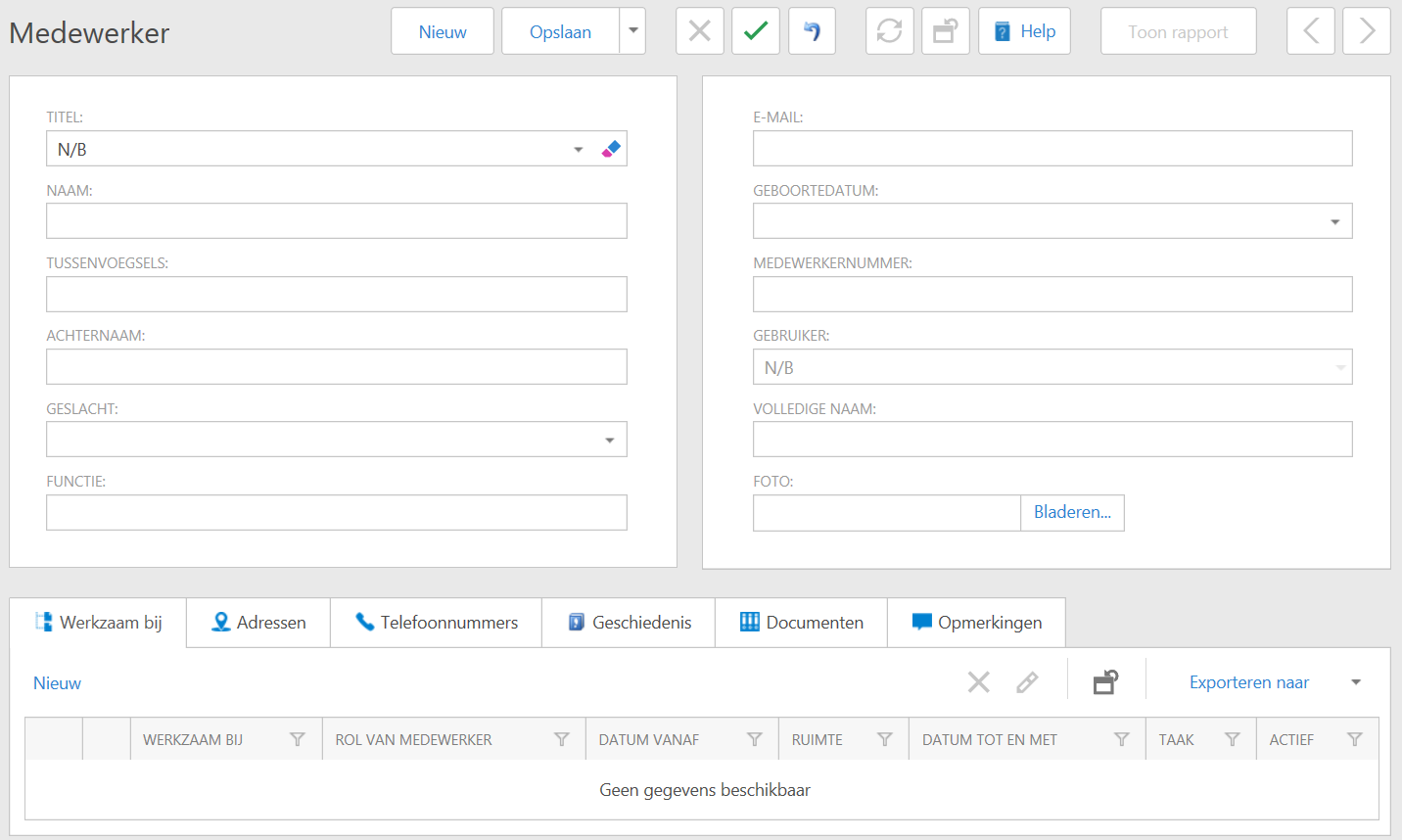
Go to the module Own Organization > Organizations > Employee.
Click on New.
Fill in the requested data and confirm with Save.
In the tabs below you will see the following information
Working for: the organization under which the employee was entered (usually your own organization);
Addresses: the addresses of the organization;
Telephone numbers: telephone numbers of the organization;
History: the log file of the events on this employee.
Documents: the documents linked to this employee;
Comments: comments added to this employee.
If you want to change an employee's details, click on the Modify-icon for the employee name in the grid or - if you are in the employee data window - at the top of the page.
If you want to remove an employee from the application, select the employee by clicking on the checkbox before clicking on the username, then click on the Delete-icon for the employee name in the grid or - if you are in the employee data window - at the top of the page.